

무료 임시 이메일 생성기
일회용 이메일 주소를 만드세요. 가입 없이 메시지를 받을 수 있습니다.
받은편지함을 불러오지 못했어요. 페이지를 새로고침한 뒤 다시 시도하세요. 페이지 새로고침
블로그에서
임시 이메일, 개인정보 보호, 받은편지함에 관한 실용적인 글.
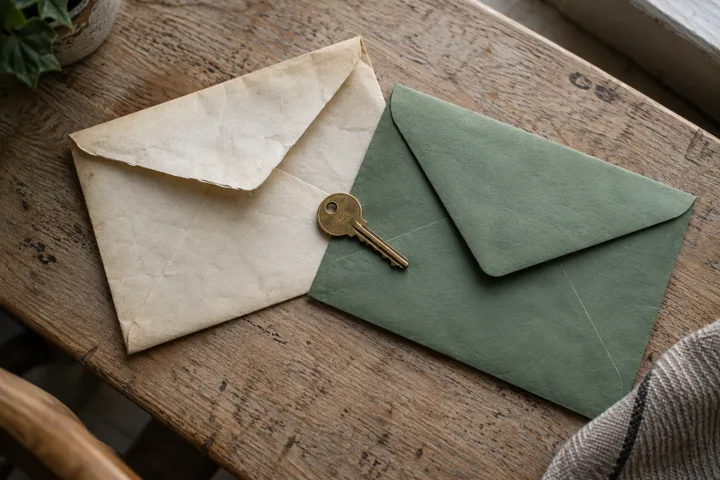
How to change an account email without losing access
A practical email-change checklist: identify what the address controls, complete the right confirmations, and check future sign-in and recovery before...
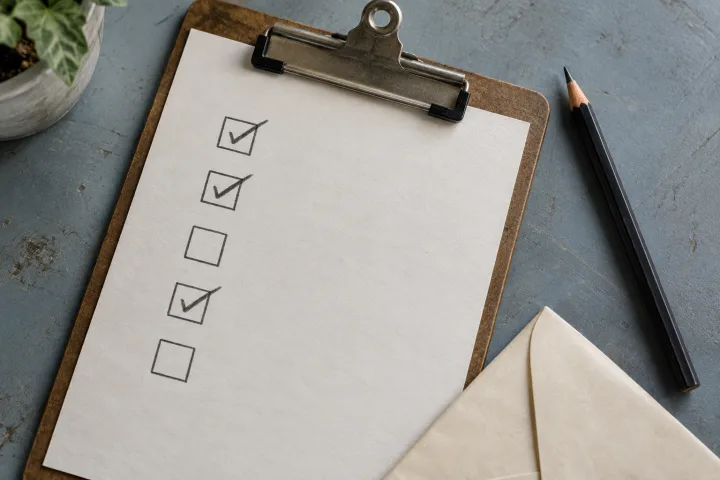
An email acceptance-test worksheet you can reuse
Turn “the email arrived” into a useful test result with a copyable record, clear pass criteria, and a worked example for your own application.
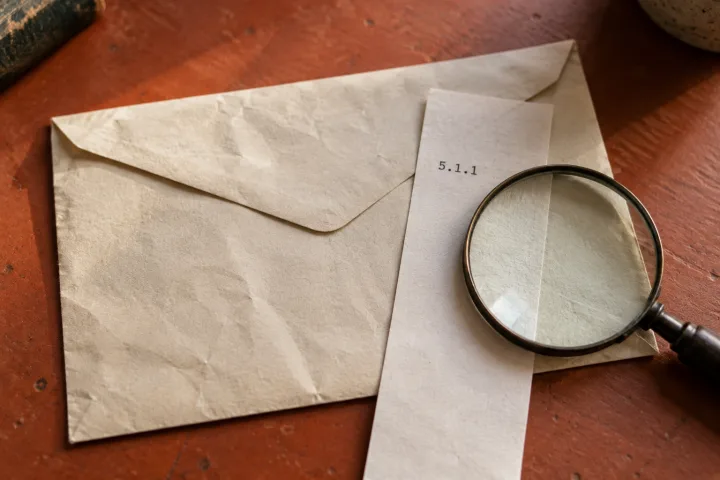
How to read an email delivery-failure notice
Understand recipient, action, status, and diagnostic fields in a bounce message, then collect the right evidence instead of repeatedly resending.
자주 묻는 질문
이 받은편지함은 어떻게 사용하나요?
받은편지함에서 주소를 복사해 양식에 붙여 넣고, 메시지를 읽으려면 받은편지함으로 돌아오세요. 기다리는 동안 받은편지함 탭을 열어 두세요. 메시지가 보이지 않으면 받은편지함을 새로고침하세요.
주소는 얼마나 사용할 수 있나요?
받은편지함의 사용 기간은 도메인마다 달라요. 카운트다운에는 메일 서비스가 알려 준 남은 시간이 표시돼요. 만료 전에 필요한 내용을 저장하세요. 만료된 받은편지함은 복구할 수 없어요.
인증 코드를 받을 수 있나요?
코드와 링크가 포함된 이메일을 받을 수 있어요. 수신 여부는 발신자에 따라 다르고 일부 서비스는 일회용 주소를 거부해요. 이메일 받은편지함으로 SMS 코드를 받을 수는 없어요.